
Animated sheets
Any Sheet Tailor background can be animated: a GIF or a WebM or MP4 video works in place of an image. Fields, boxes and rolls keep working on top of the animation.
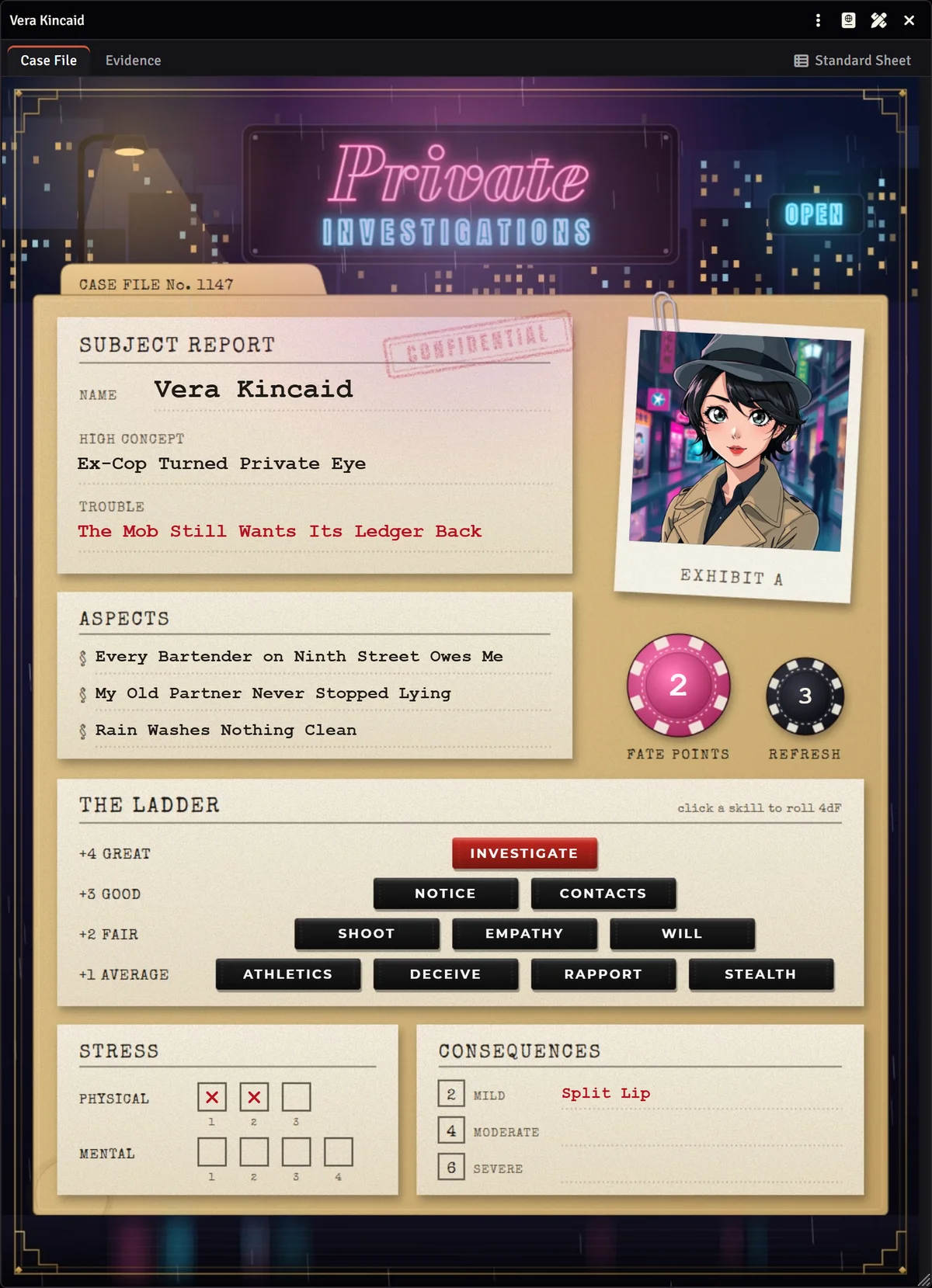
Where to use animation
| Place | How |
|---|---|
| Background of a Freeform Sheet page | In Background and size, choose the GIF or video in Image, GIF or video. |
| Behind the system sheet | In the customizer, Artwork section, in Image, GIF or video behind the sheet. |
| An element of the page | An Image element set to Fixed image accepts video, to animate just one part, such as a crest or a flame. |
Videos play on their own, in a loop and without sound, for everyone who opens the sheet.
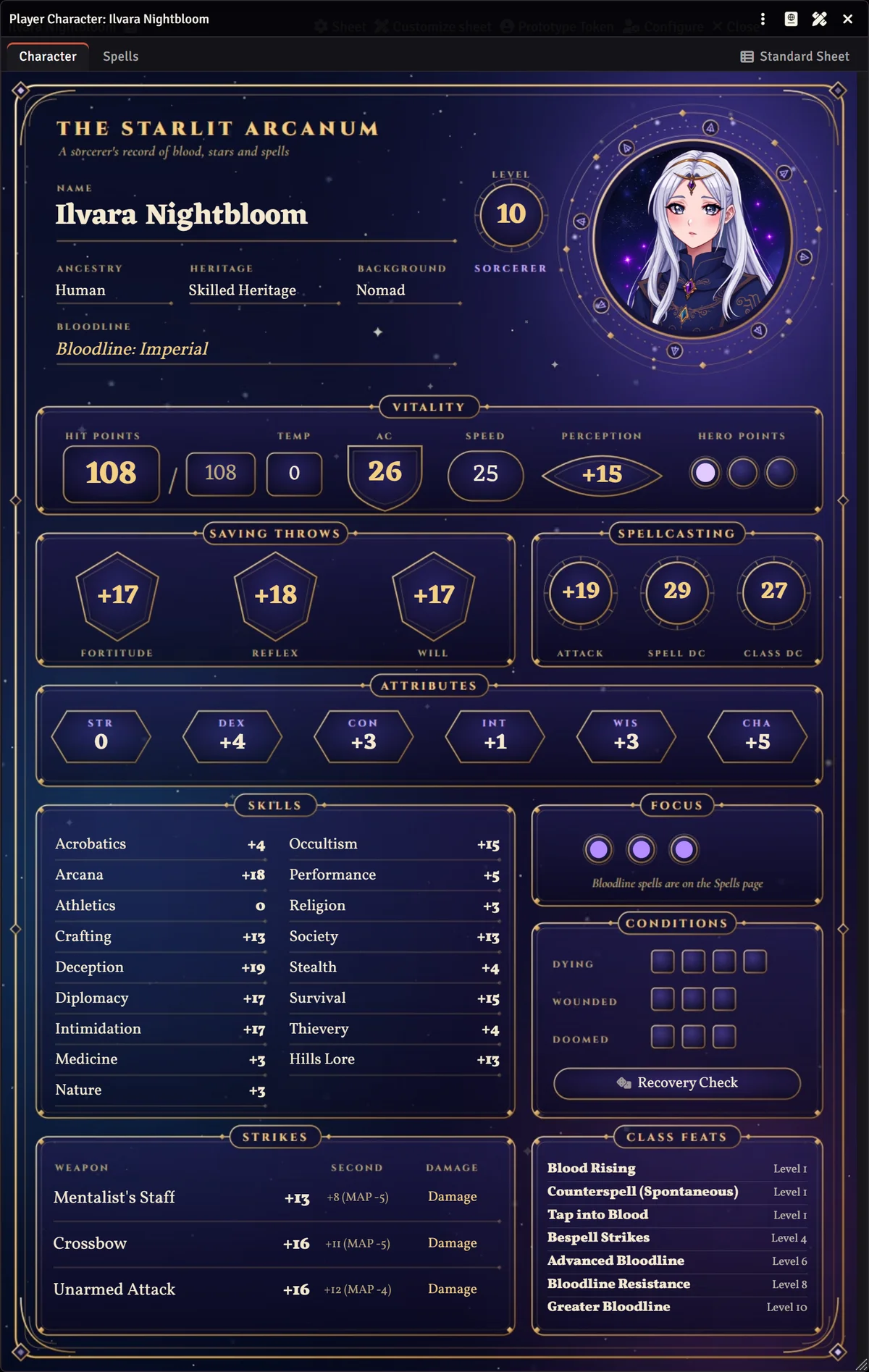
How to build an animated sheet
- Draw the still artwork first, with the spaces where the fields will go. That is where you will place the elements.
- Animate only what does not get in the way of reading: glows, rain, smoke, a flickering neon. Motion behind a number tires the eyes.
- Export a short loop whose last frame joins the first. 5 to 10 seconds is usually enough.
- Use the still artwork to build the layout and swap in the video at the end. With the page at the same size, the elements stay in place.
Performance
Each open animated sheet is a video playing on each player's computer. To keep the table light:
- Prefer WebM to GIF. A GIF is much heavier for the same animation and has fewer colors.
- Use the page size. A video bigger than the page is not sharper, only heavier.
- Keep the file small. A few megabytes per page are enough for a short loop.
- Close the sheets you are not using. The animation only costs while the sheet is open.